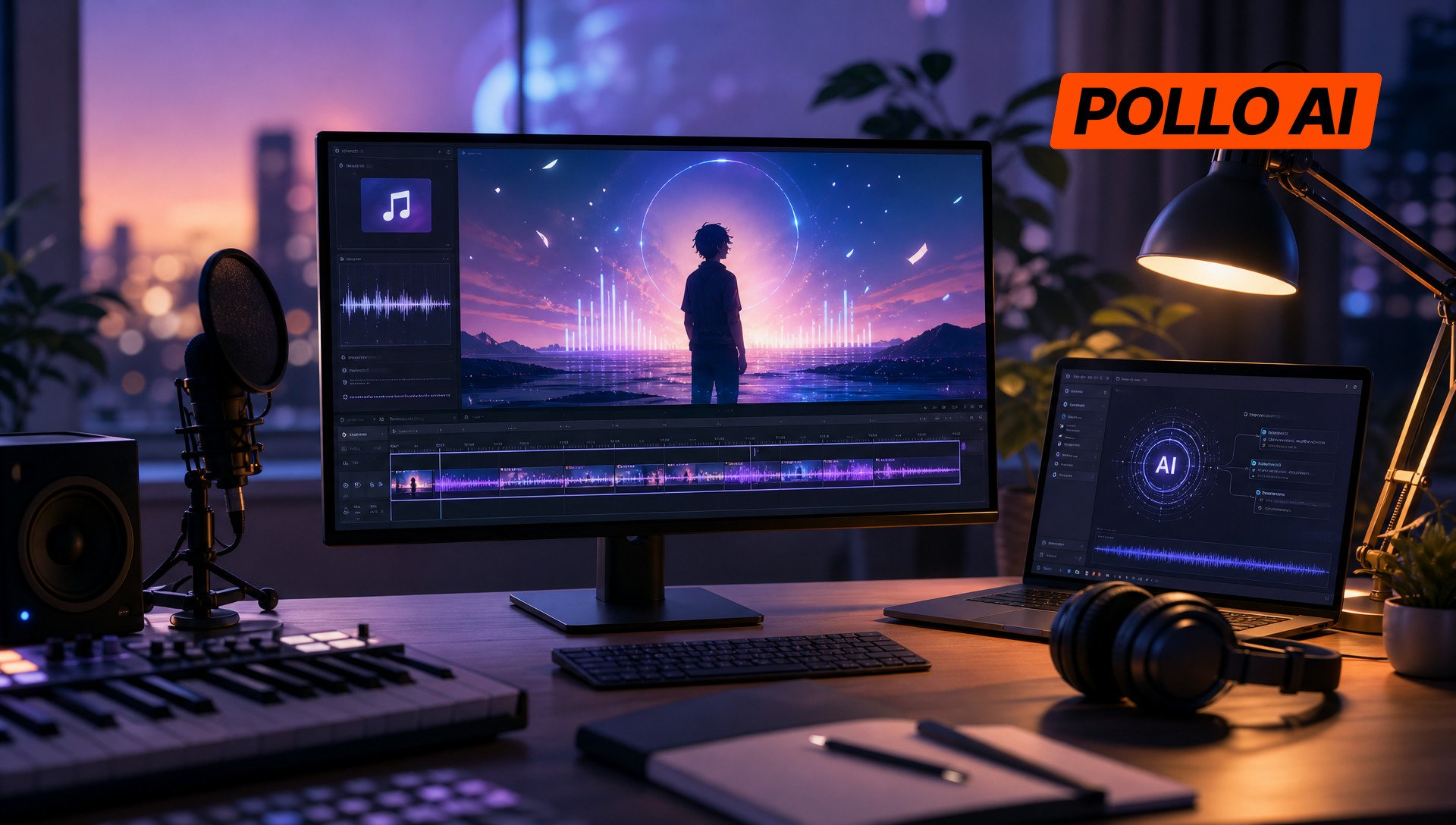
Learn how to create an AI lyric video with automatically synced subtitles using Pollo AI. Turn an uploaded song into a music video with matching visuals and timed lyrics.
Musicians often need lyric videos to promote a new release, but matching every line of text to the vocals takes time. Pollo AI offers a simpler option: upload a song and let its AI music video generator create matching scenes and automatically synced subtitles. Here's how the process works and what to check before publishing.
What Is Pollo AI Music Video Generator and How Does It Work?
The Pollo AI Music Video Generator turns an uploaded song into a story-driven music video, complete with AI-generated visuals and synchronized lyrics. It is designed for musicians and creators who want to give their tracks a visual identity without filming footage or editing every scene themselves. The tool also accepts image uploads, giving creators another starting point when they want to animate a photo and build a music-led visual around it.
The tool analyzes the song's lyrics, rhythm, mood, and emotional flow before building a storyboard. It then generates scenes that reflect the music and extracts the lyrics, timing subtitles to match the vocals. Transitions also follow changes in rhythm and energy, so the video feels connected to the track rather than like a random collection of clips.
This can be useful in several situations. An independent artist can create a lyric video for a new single without hiring a production crew. A YouTube musician can give an original song a visual accompaniment, while a TikTok creator can turn a catchy chorus into a shareable music clip.
The main benefit is less manual work. Creators don't have to plan every scene or time each lyric from scratch. They can start with a finished song and let AI handle the initial video production.
How to Create an AI Lyric Video with Automatically Synced Subtitles
The process is straightforward: upload a track, let AI build the video, and check the result before sharing it.
Step 1: Upload the Song
Open the Pollo AI Music Video Generator and upload the track that needs a visual accompaniment.
A finished audio mix is the best starting point. If the song changes after generation, the video may need to be created again. Clear vocals also help with lyric recognition, especially when a track contains background vocals or layered instruments.
For example, an independent artist preparing a YouTube release can upload the final version of a single and use it as the foundation for the entire lyric video.
Step 2: Generate the Storyboard and Subtitles
Once the song is uploaded, Pollo AI analyzes its lyrics, mood, rhythm, and emotional changes to build a storyboard.
The tool automatically extracts the lyrics and synchronizes subtitles with the vocals. This saves creators from manually setting timestamps for every line. If a song starts with an instrumental intro, for instance, the lyrics can appear when the vocals begin rather than filling the screen from the first second.
Visuals are generated to match the track's overall feel. An energetic pop song might feature more dynamic scenes, while a slower acoustic track may suit softer, more atmospheric imagery. Transitions follow changes in the music, helping the video move naturally between scenes.
The result is a music video that combines the original audio, generated visuals, and timed lyrics without requiring creators to assemble everything on a traditional editing timeline.
Step 3: Check the Video Before Publishing
Once generation is complete, review the video with the original song playing alongside it. Pay particular attention to the subtitles during fast verses, repeated choruses, and sections with overlapping vocals.
Automatic transcription can occasionally miss a word or misinterpret a phrase. Even when the timing looks right, incorrect lyrics can make the video distracting, especially for fans who already know the song.
The visuals deserve a quick check, too. Make sure the scenes suit the lyrics and that transitions don't feel out of place when the music changes.
Finally, consider where the video will be published. A full-length lyric video works well on YouTube, while a short chorus or memorable verse may be more suitable for TikTok and Instagram Reels.
Tips for Creating Better AI Lyric Videos
1. Start with Clear Vocals
Background noise, heavy instrumental layers, and overlapping voices can make lyrics harder to recognize. A clean, well-mixed track gives automatic subtitle generation a better starting point.
2. Check the Song's Structure
Verses, choruses, bridges, and instrumental breaks should not all feel the same. Check whether the generated visuals reflect these changes rather than repeating similar scenes throughout the track.
3. Match Visuals to the Lyrics
Tempo alone doesn't tell the whole story. An upbeat song can have melancholic lyrics, and a slow ballad can carry an uplifting message. The visuals should make sense alongside both the music and its meaning.
4. Proofread Every Subtitle
Don't assume automatic synchronization means perfect transcription. Check spelling, repeated phrases, punctuation, and timing before publishing. This matters particularly for official releases, where even a small lyric error can be noticeable.
5. Keep the Platform in Mind
Think about the final viewing experience. YouTube audiences may watch the entire song, so lyrics need to remain readable throughout. For TikTok and Reels, a shorter section with a strong hook is often a better fit.
Conclusion
An AI lyric video doesn't have to mean hours spent arranging clips and timing subtitles. With Pollo AI Music Video Generator, creators can upload a song and let AI build the storyboard, generate matching visuals, and synchronize the lyrics.
It's a practical starting point for independent musicians and content creators who want to give their music a visual presence without handling the entire production process manually. A final check of the lyrics and scenes helps make sure the finished video is ready to share.