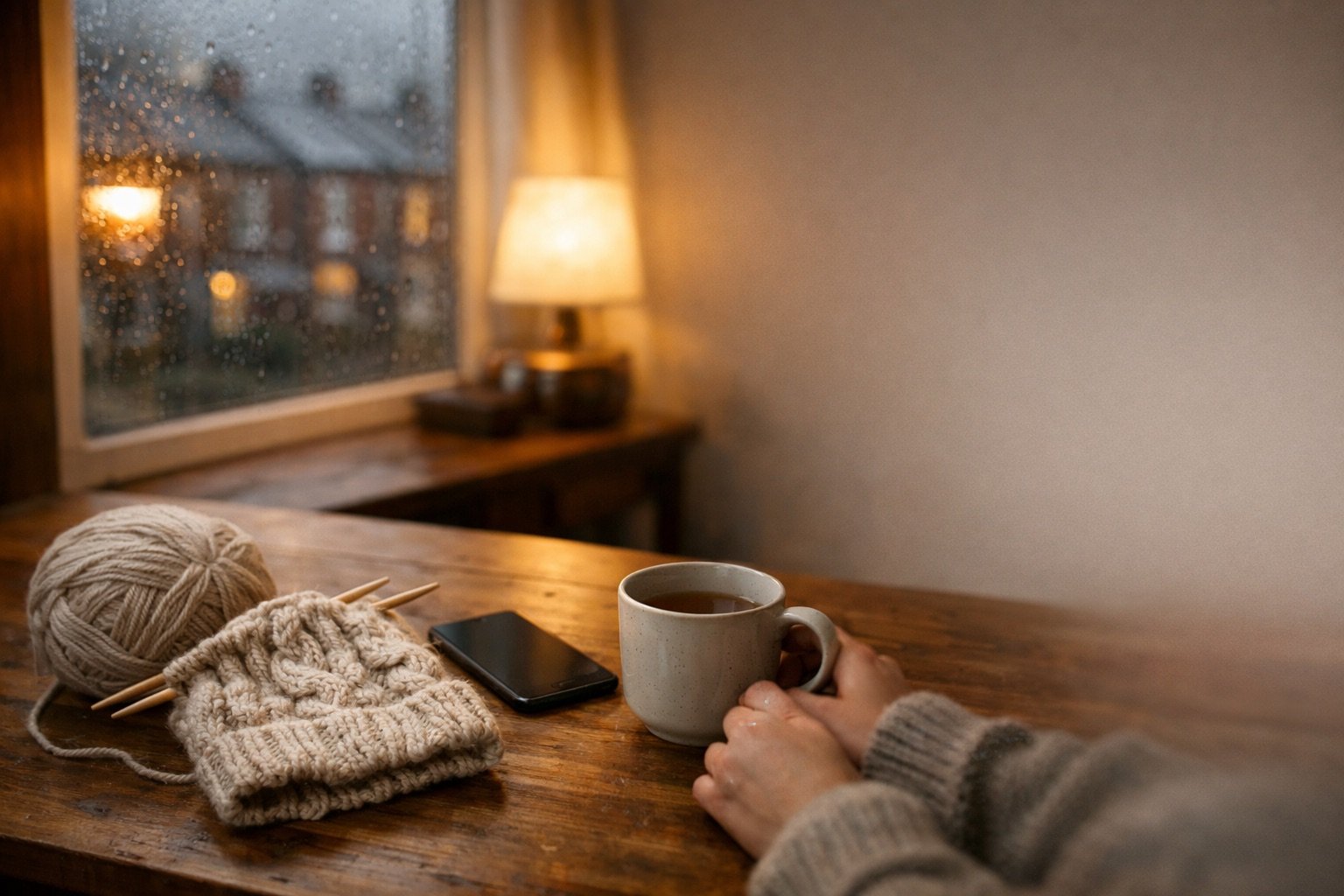
In a Leeds flat, someone spots a cable-knit hat pattern on Instagram, taps the bookmark and puts it in a collection called ‘Winter makes’. Then a thought interrupts the project planning: does the designer know who saved it?
For an ordinary personal save, the answer is no. A designer with a professional account can see a total save count, but your name does not appear beside it. That distinction matters to anyone collecting ideas, and to small businesses working out which posts people want to keep.
Saving posts and sorting them into collections
On a photo or carousel, tap the bookmark symbol beneath the post. For a Reel, look for Save in its menu, as the controls can vary between app versions. Saving keeps a reference inside Instagram. It does not download a copy to your phone.
To find your saves, open your profile, tap the menu in the top corner and choose Saved. You will usually see an All posts area alongside any collections you have made. If an update has moved things around, start with your profile menu.
Collections bring some order to the growing pile. ‘Christmas gift ideas’ can hold presents for relatives, while ‘Recipes for the cold months’ keeps soups separate from ‘Walking routes in the Peak District’.
To make a collection while saving:
- Touch and hold the bookmark, or use the collection prompt after tapping Save.
- Choose the option to create a collection and give it a recognisable name.
- Confirm your choice, then select that collection when saving similar posts later.
You can also sort posts from the Saved area. A post can belong to more than one collection, so that hat pattern could go under both gifts and winter projects.
The original post must remain available. If its creator deletes it or changes who can see it, your bookmark cannot preserve the content. For anything you need to rely on, keep the essential details somewhere suitable, with the creator’s permission where needed.
What the account owner can and cannot see
Instagram does not notify the creator of your identity when you save their post. Professional accounts, including business and creator accounts, can see save totals through Insights. They do not get a list of the people behind those saves.
Personal accounts do not have the same Insights tools. Switching to a professional account gives you access to these figures, although the screens vary by content type and app version.
Your ordinary personal collections are private. Collaborative collections work differently: the people sharing one can see what members add. That does not give the original creator a list of everyone who has saved their work.
Back in the Leeds flat, adding the pattern to a private ‘Winter makes’ collection gives the designer no clue about who is planning a hat. Sending it to the designer in a message would, of course, identify the sender.
Why saves matter to people who post
A like can be a passing response to a lovely photograph. A save suggests someone expects to find the post useful later. They might want the instructions beside them when they start making something, or an address handy when they head out.
It is still only a clue. People collect recipes they never cook.
Take a small knitting-pattern shop in Leeds. A photograph of a finished hat might attract likes. A post showing where to place the tape measure when checking head size gives someone a reason to return when they pick up their needles.
Step-by-step instructions suit this behaviour. Lists of materials and readable maps are useful too, as are recipe cards with quantities included. Put the information people need in the post itself. Tiny lettering on a beautiful image is awkward to consult with flour on your hands.
A café in Bristol, say, posts a winter menu carousel. One slide makes the dishes and prices easy to read, while another gives serving times. Someone planning a Saturday lunch could save it to check with friends later. The café would still need to look at actual enquiries and visits before treating those saves as business.
On your own professional account, open a post and tap View insights where available. Look for the bookmark symbol or Saves label. For Reels, the route may run through the Reel’s menu and Insights. The professional dashboard also gives access to content performance.
Make a note of the total for each post you want to compare. A short description, such as ‘hat sizing guide’, will be easier to recognise next month than a publication date alone.
Buying saves and what it does not change
Some small accounts top up the figure. Fameoria sells saves on Instagram posts, and because Instagram shows that count to the account owner in Insights rather than to visitors, the number mostly ends up in your own notebook.
That is also the catch. A save you paid for is not a reader planning to knit the hat or book a table at the café. If you do buy some, write it down next to the post, or next month’s comparison will tell you a story that never happened.
A monthly check that takes ten minutes
Once a month, look through the posts you published and record their save totals. Compare posts at a similar age where possible. Last month’s menu has had longer to collect saves than yesterday’s upload, so putting the two side by side without that context can mislead.
Look for practical differences between posts. Were the instructions readable on a phone? Did the map include the starting point? Use those observations to plan your next post, while resisting the temptation to treat every small change as a trend. That matters especially if you post only occasionally.
Spend the remaining time tidying your own Saved area. Open an old post and tap its filled bookmark to unsave it. This removes it from your saved library and its collections. To move it between collections, use the collection controls without unsaving the post altogether.
You can delete collections you no longer need, checking the confirmation prompt carefully. Keeping a collection’s contents saved and removing them altogether are different actions. Leave yourself a folder of recipes you actually fancy cooking when a cold evening comes round.